

An immersive safety training experience
Petrol Development Oman
My role
UI design
Information architecture
In-game experience design
Animation
Results
The simulation was adopted as part of the company-wide new hires training program

As the largest energy company in Oman, it is essential for PDO to provide comprehensive training to prepare their workers in the event of an emergency.
However, supplying new hires with knowledge of company procedures through conventional training is time-consuming, expensive, and challenging at scale. As a solution, our team developed an immersive training program to fit the organizational needs of PDO.
The virtual program removes the need for in-person training sessions and provides new hires with safety procedures and emergency simulations to prepare them for site operations before ever setting foot on them.
Preliminary user research showed 78% of current employees had never used a VR headset before
With the majority of employees being newcomers to virtual reality, a tutorial that covers the basics was an important part of creating an effective learning experience.
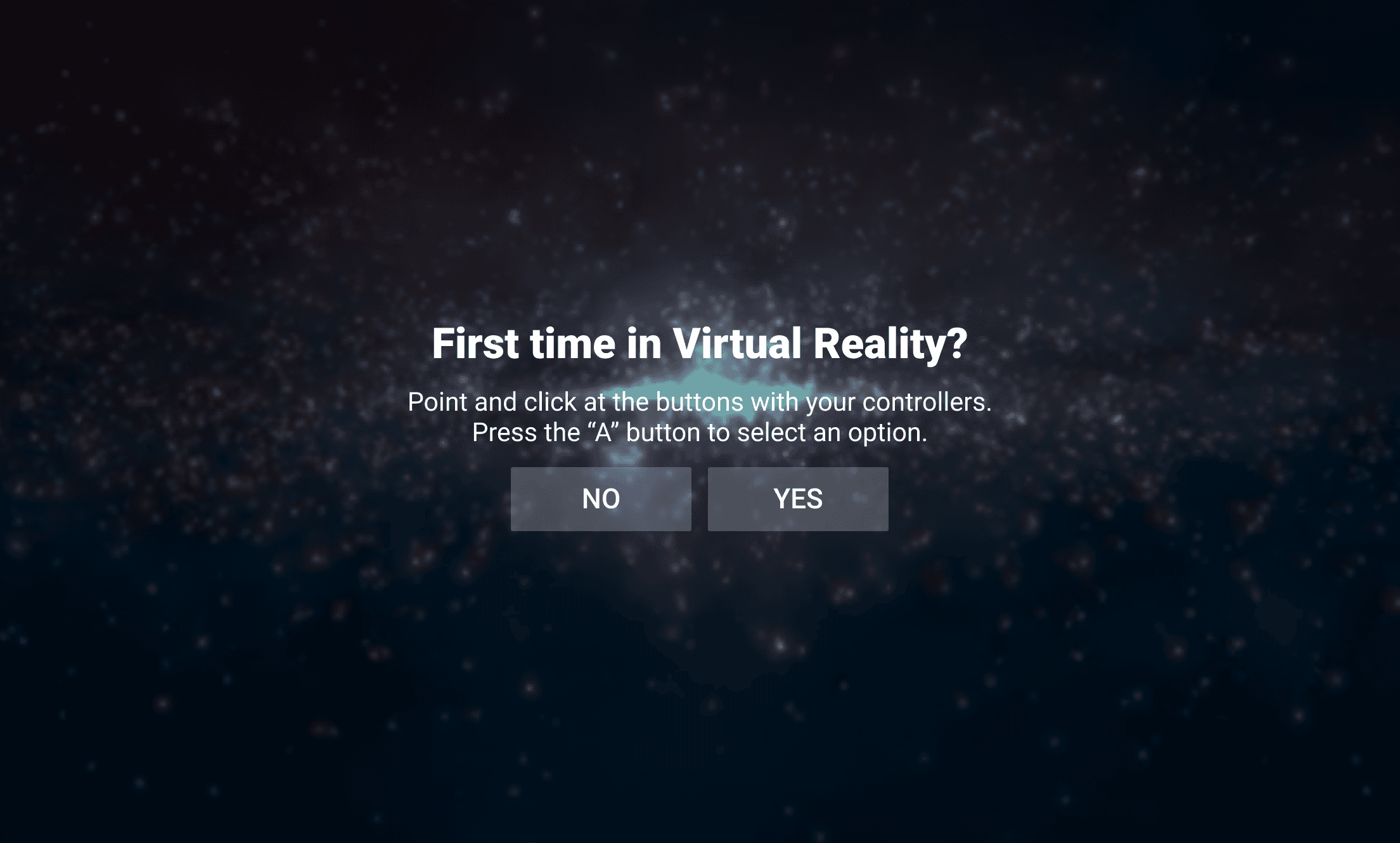

I created a simple tutorial for first time users by drawing from PicoVR's basic headset instructions and combining them with the specific interactions and controls required by our program.
The tutorial is paired with a spoken voice guide to minimize the amount of text, and switching between English and Arabic was included as a settings option for improved accessibility.
The two main training flows of the program focused on emergency gas leaks and working in confined spaces
To minimize confusion for new users, I designed a simple home menu with the two training modules. Hovering offers a description of each segment, and the sidebar houses the tutorial, settings, and further information about the program.
Users needed a non-invasive menu to complete tasks without interrupting immersion
For trainees to read instructions, navigate the simulation, and complete objectives,
I designed an interactive tablet as an in-program interface. The tablet can be summoned, moved, and placed, allowing the users to look at instructions without interfering with the immersive aspects of the program.
After a few iterations, I settled on a tablet interface that is semi-transparent and features electric blue text and accents, which provides high legibility and contrast against the simulation's industrial environment.

I then designed the tablet's additional features, which included a map, object scanner, and menu to select tasks within the training module. To further communicate the concepts with the development team, I animated the screens' microinteractions using Adobe After Effects.
Initial Demo Footage
© 2026